Frequently asked questions
If something isn't covered here, just email — we read everything.
What cards do I need?
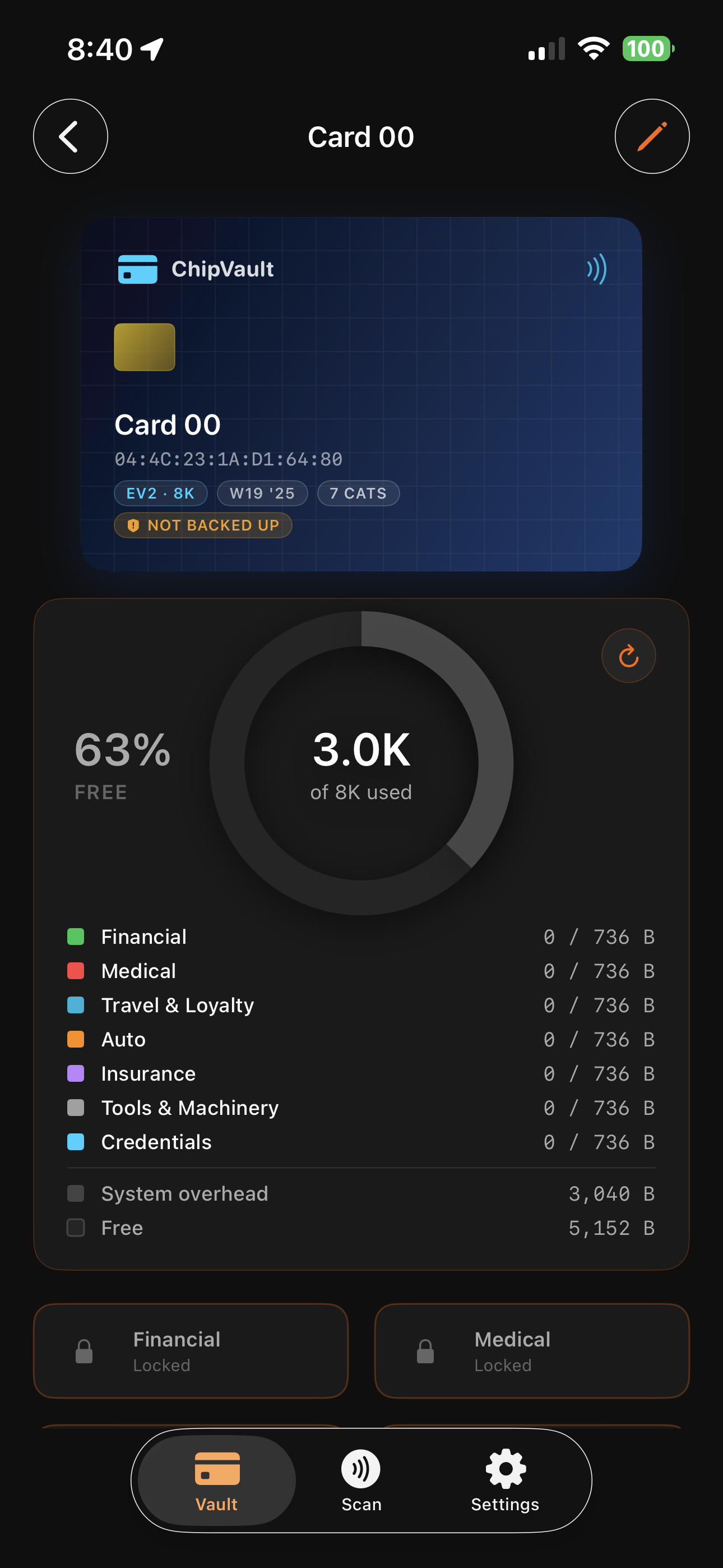
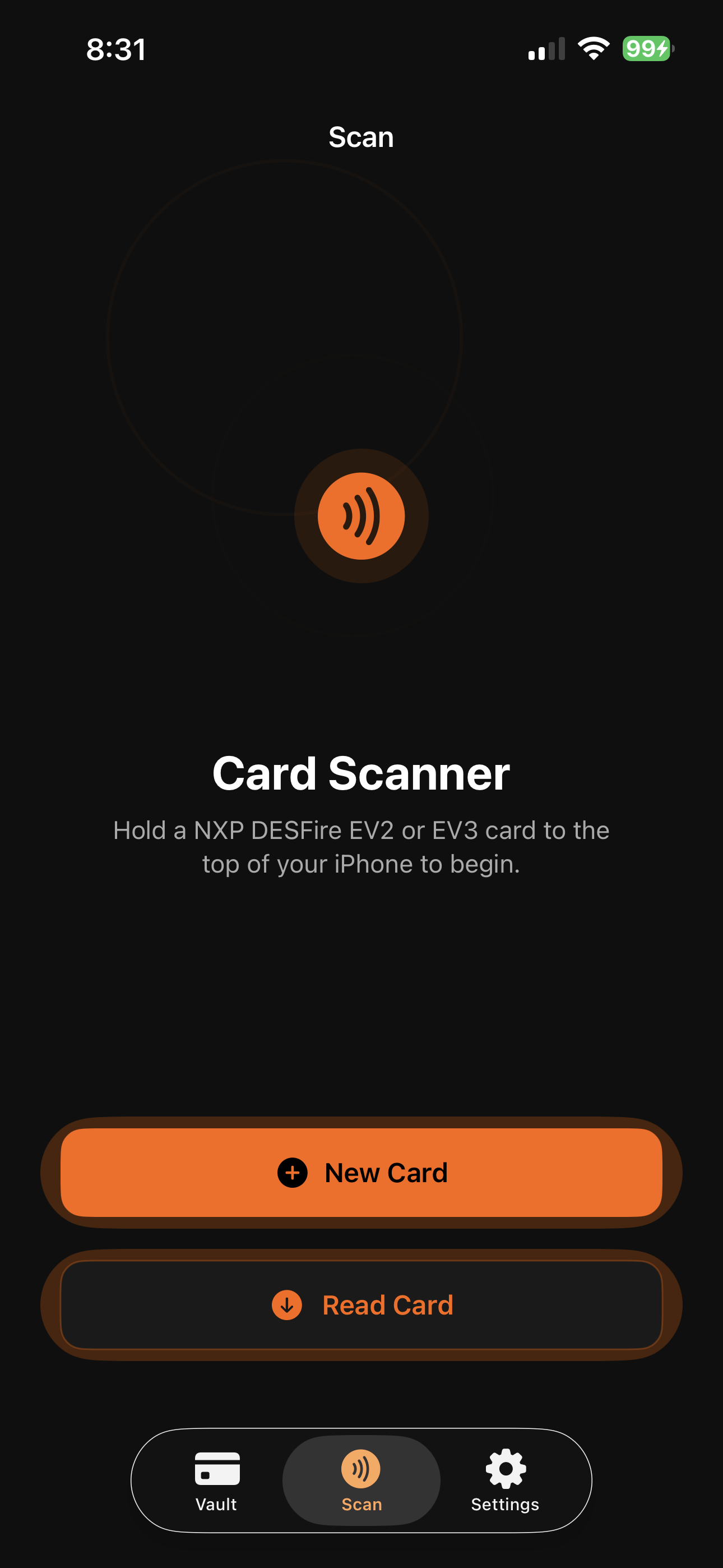
Any NXP MIFARE DESFire EV2 or EV3 card. Common sizes are 2K, 4K, or 8K of EEPROM. They're available from most NFC suppliers online and typically cost a few dollars per card. ChipVault works with all sizes — the storage donut will reflect what your specific card has.
Can I use ChipVault with my VivoKey Apex Flex implant?
Short answer, No.
The VivoKey Apex Flex is built on NXP's JCOP 4 / Java Card 3.0.5 platform: a general-purpose programmable secure element that runs Java Card applets.
ChipVault is purpose-built for MIFARE DESFire EV2 and EV3 chips, which are a separate NXP product family with their own native command set.
With a stock Apex Flex, nothing happens when you tap it to ChipVault — the chip doesn't respond to MIFARE DESFire-native probes the way a MIFARE DESFire card would. That's expected behavior, not a bug.
Does ChipVault work with the flexDF2 implant?
Yes — the flexDF2 is a native MIFARE DESFire EV2 chip (8kB) in a flex biopolymer form factor, which is exactly the chip family ChipVault is built for. At the NFC layer it speaks the same MIFARE DESFire-native command set as a MIFARE DESFire EV2 card on your keychain or in your wallet, so ChipVault doesn't need to do anything special — it just works.
We have at least one user actively running ChipVault against their flexDF2 implant today. Practical notes from real-world use: read range on subdermal flex implants is shorter than on a card, so you'll want to find the “sweet spot” on your phone's NFC antenna (often slightly off-center on the back of the device) and hold steady through the tap. Once the antenna geometry clicks, it's the same encrypted credential vault experience you'd get with any other MIFARE DESFire EV2 chip.
The 8kB memory on flexDF2 maps cleanly to ChipVault's per-card capacity model — plenty of room for a meaningful set of credentials and entries.
What if I forget my master password?
Your data is not recoverable. ChipVault never transmits or stores your master password, and the encryption keys are derived from it. This is a deliberate trade-off — strong privacy means no recovery backdoor. Write your master password down somewhere safe (a sealed envelope in a fireproof safe is a classic option) before you commit anything important to a card.
How is my data encrypted?
ChipVault uses AES-128 — the same industry-standard cipher used by Apple's iCloud Keychain, banks, and government systems. Each category on your card has its own independent encryption key, derived from your master password and card-specific data via a standard key-stretching function. The chip enforces key separation at the silicon level, so compromising one category does not compromise the others. All cryptographic operations use Apple's audited cryptographic frameworks — no third-party or custom-rolled crypto.
Your master password is the only secret. Anyone who knows your card's identifier alone (which is broadcast openly when the card is tapped) cannot derive your keys without also knowing your master password. This is why your master password matters — and why we cannot recover it if you forget it.
Is my Public Record (NDEF) encrypted like the rest of my card?
No — and that's on purpose. A Public Record (NDEF) is a field you deliberately make public: a web link or contact card any NFC phone can read on a tap, with no app and no password. It's the one part of the card meant to be shared. Your category vaults stay AES-128 encrypted and completely separate — the Public Record (NDEF) never touches them. You choose whether a card has one at all, and can change or remove it anytime with a tap.
Does the Contact (vCard) Public Record (NDEF) work when I tap my card to an iPhone?
A Link Public Record (NDEF) opens on a tap on any NFC phone — iPhone or Android. A Contact (vCard) Public Record (NDEF) behaves differently: Android offers to save the contact on a tap, but a plain tap to an iPhone won't add it — iOS doesn't read contact tags automatically. That's an Apple platform behavior, not a ChipVault limitation. ChipVault itself reads the contact on both iPhone and Android, so the data is always on the card; it's only the tap-to-add shortcut that iPhone doesn't offer. If you want a card anyone can tap-and-go with on any phone, use a Link — for example, a link to your contact page.
Does ChipVault collect any diagnostics or telemetry?
No automatic telemetry — nothing is collected or uploaded in the background. No analytics, no crash SDKs, no phone-home. For troubleshooting, ChipVault includes an optional Runtime Diagnostics Log (RDL) you turn on yourself: it records what the app is doing during card operations so you — or our support team, if you choose to send it to us — can pin down an issue quickly. The log stays on your device, contains no passwords, card contents, or encryption keys, and is shared only if you export it.
What happens if I lose a card?
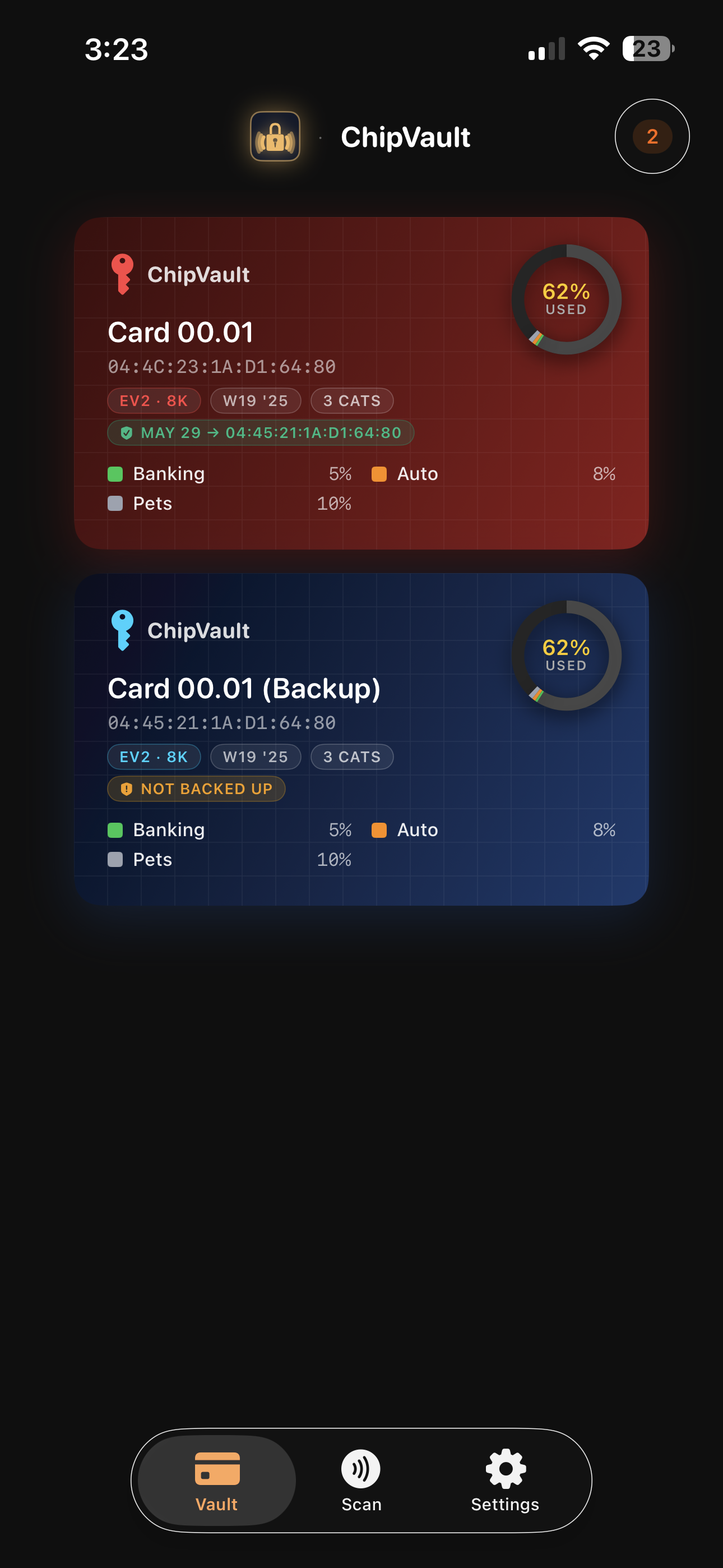
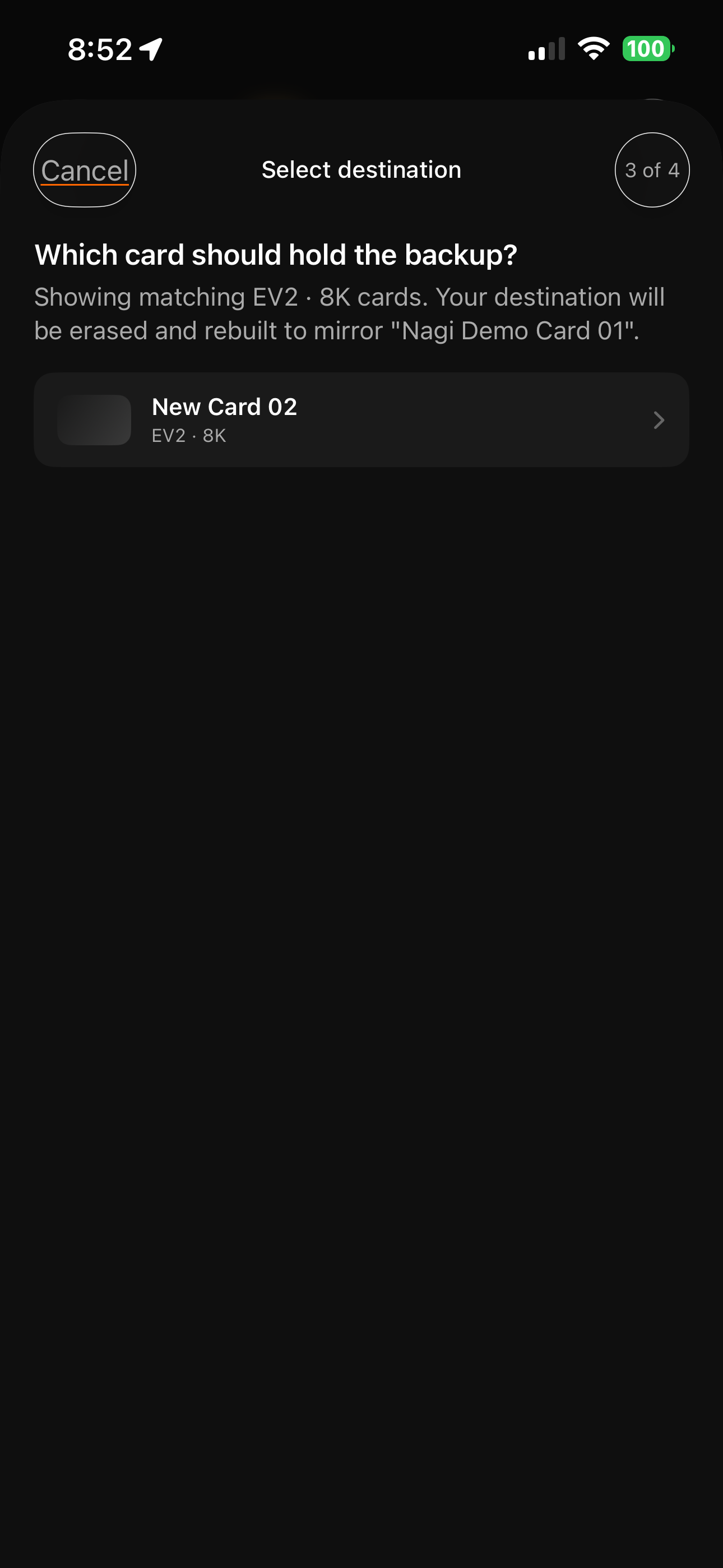
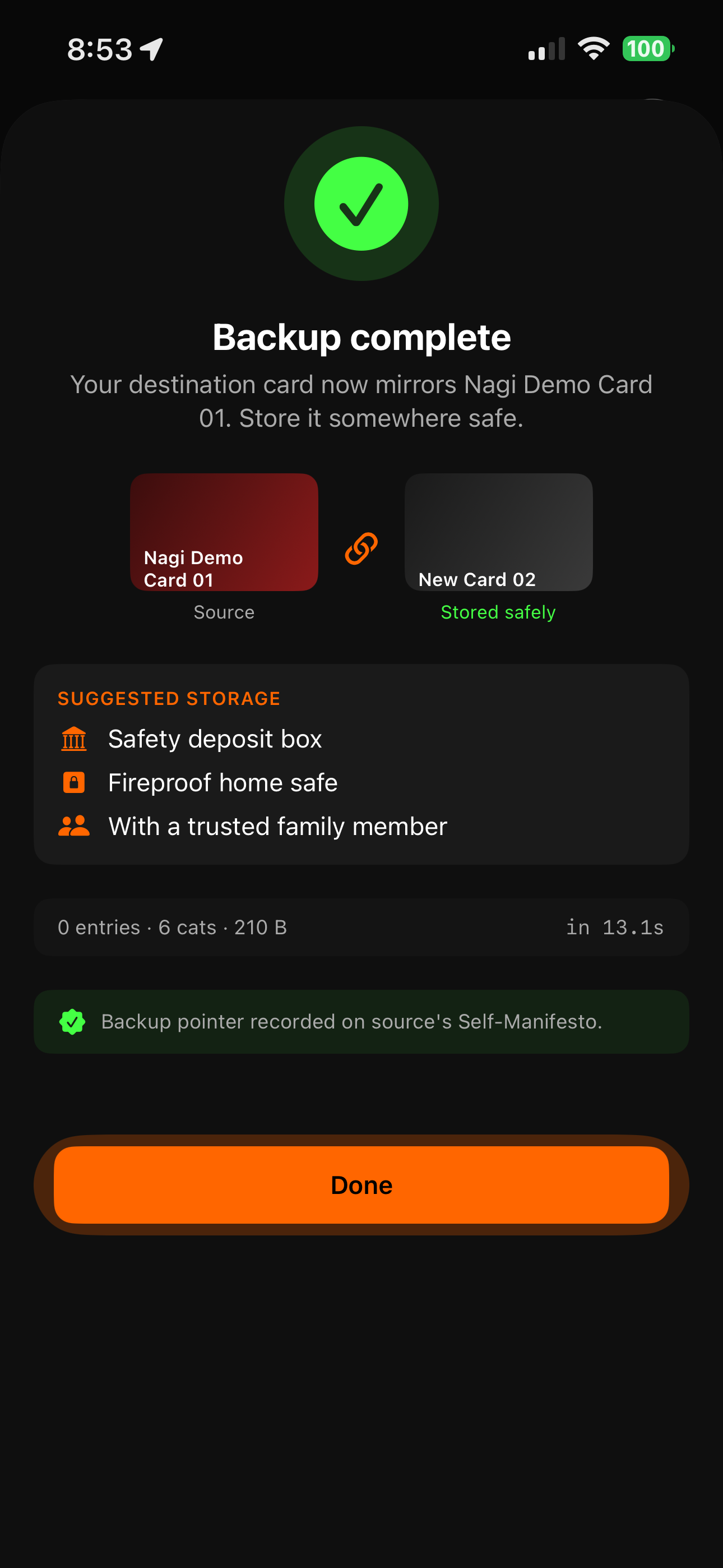
Whoever finds it cannot read its contents without your master password. The card stores only ciphertext. If you've made a backup card, you still have your data. If you haven't, that data is gone — same as losing a paper notebook. We recommend cloning to a backup card and storing the backup in a separate physical location.
What happens if I get a new phone?
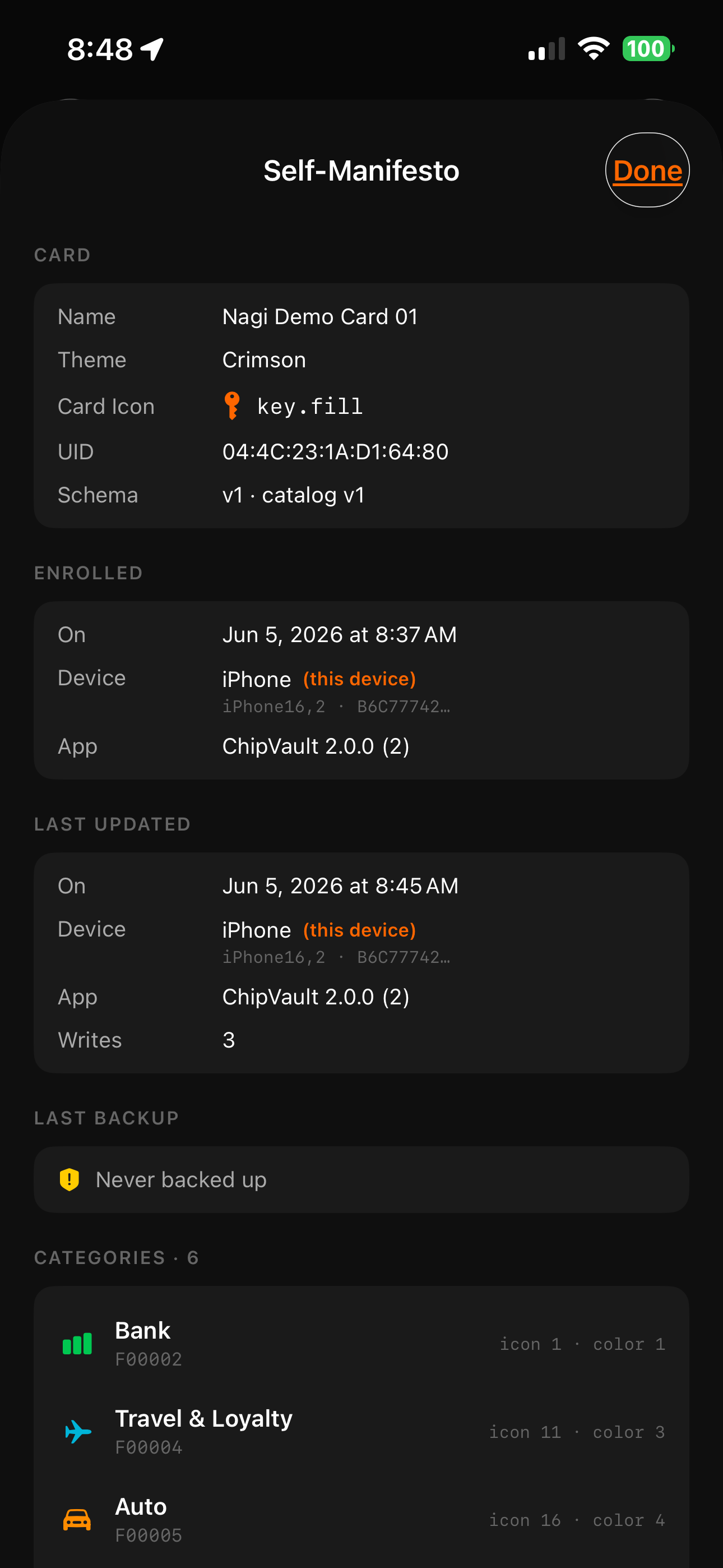
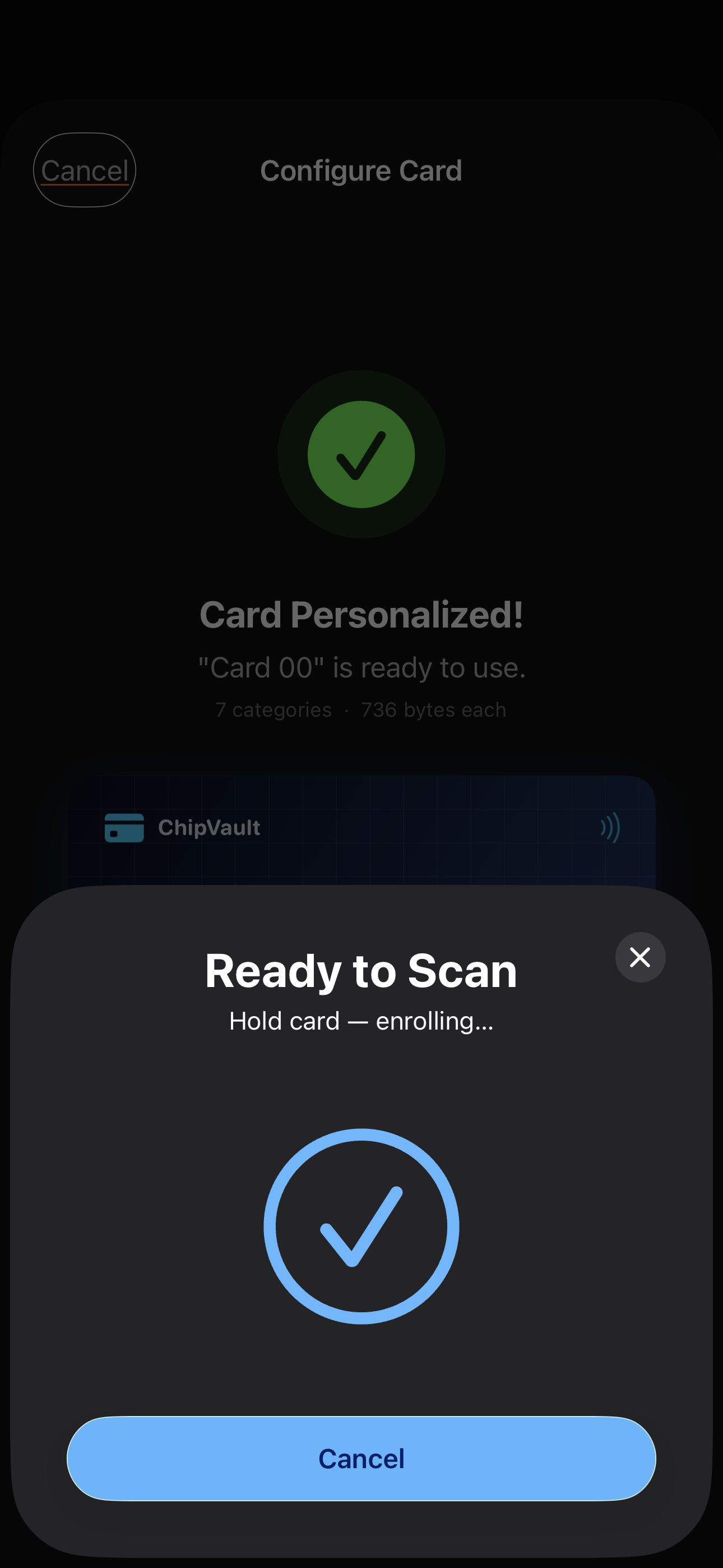
Install ChipVault on the new phone, tap any personalized card to it, and enter the same master password. ChipVault reads the card's Self-Manifesto — an encrypted recovery slot baked into every personalized card — and re-establishes the link. Your data was always on the chip itself, so nothing was lost in the device transition. This also works if you simply hand a card to future-you a decade from now: as long as you remember the master password, the card unlocks.
Does ChipVault sync to iCloud?
Your actual stored entries live on the NFC cards themselves, not in iCloud. ChipVault does store a small amount of operational data in your iOS Keychain — specifically the install date (for trial state) and references to which cards you've personalized — and that small set syncs via iCloud Keychain so your trial state and known-cards list survive a device migration. iCloud Keychain is end-to-end encrypted by Apple; we have no access to it.
Is there a subscription?
No. ChipVault is a single one-time purchase that unlocks the app forever on the buyer's Apple ID. A 20-day free trial lets you try everything before buying. We will never add a subscription tier.
Can I change my mind after personalizing a card?
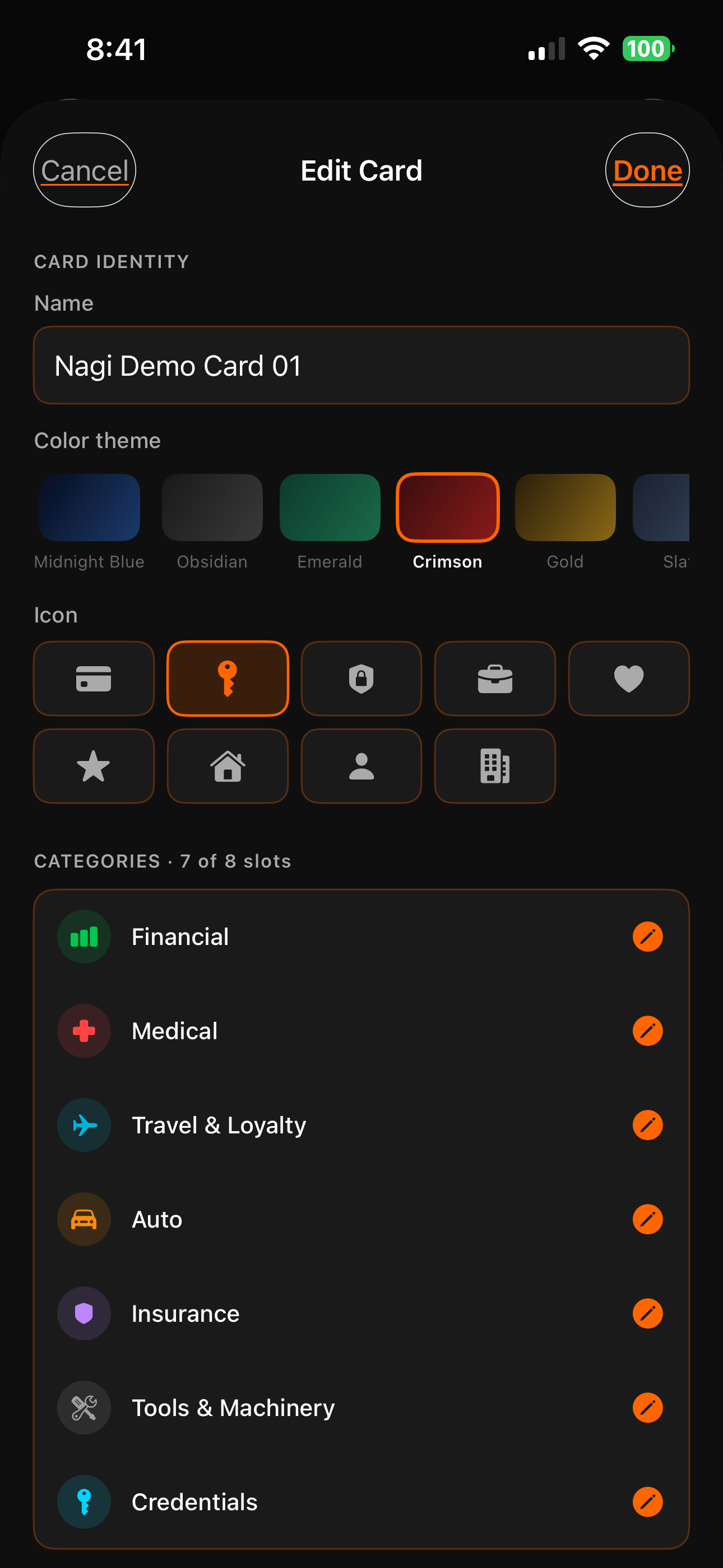
Yes — the Edit Card sheet lets you rename a card, change its color theme, swap its icon, and rename any of its categories without an NFC tap (all metadata-only, instant). You can also add new categories to a card or delete existing ones with one NFC tap each. So your structural choices stay flexible as your needs change.
What if a card's chip memory gets stuck after many delete/add cycles?
MIFARE DESFire chips occasionally fragment their memory allocator after a sequence of delete-then-add operations — when that happens, the chip can refuse to provision a new category even though it has free bytes in aggregate. ChipVault includes a Reset & Restructure recovery option that reformats the chip and rebuilds it with your current category set (names, icons, colors preserved). It wipes all entries, so you'll want to back up first — but it's a clean way to recover from the rare allocator-stuck case without a full factory reset.
What iPhones are supported?
iPhone 7 or later, running iOS 17 or later. The iPhone's NFC hardware is required to communicate with MIFARE DESFire cards.
Can I use ChipVault on my iPad?
Not currently. iPads don't have the NFC reader hardware required to read MIFARE DESFire cards. ChipVault is iPhone-only by necessity.
What about Android?
ChipVault is live on Google Play with full feature parity to iOS. A card you personalize on iPhone reads on Android and vice-versa — same MIFARE DESFire EV2/EV3 chips, same encrypted vaults, same Self-Manifesto recovery.
Is ChipVault open source?
Not at this time. ChipVault is closed-source commercial software. All cryptographic operations use Apple's built-in cryptographic frameworks — no custom-rolled crypto.
Can I read my ChipVault card with a non-ChipVault tool?
Technically yes, but you'll see only ciphertext. Any NFC tool can probe a ChipVault card and see structure, but the contents are AES-128 encrypted and unintelligible without your master password.
What happens if ChipVault is ever removed from the App Store?
If ChipVault is delisted for any reason — discontinuation, App Store policy changes, anything beyond our control — we commit to publishing a standalone ChipVault Recovery Tool that can decrypt your cards given your master password. This is our covenant to you. Your data lives on your card; we will not strand it. This commitment is part of our Secured by Design pillar — security includes long-term access.