ytd logo ytd
macOS · Free · Build 10092026.08.46.1

Your playlist, kept on your Mac.

A menu-bar app that syncs a YouTube playlist to a folder, and downloads single videos with one shortcut

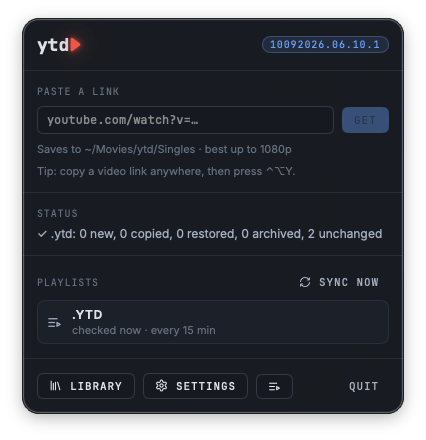
Add videos to a public or unlisted playlist from any device, and ytd downloads them to your Mac on a schedule you choose. Remove one and ytd moves it to an archive folder, never deletes it. Copy any video link and press ⌃⌥Y to download it on the spot. Every video gets a short summary and tags written on your Mac, so your library is searchable. No accounts, no cloud. Free.

Free Download for Mac What it does Install with Homebrew

Free, with no strings attached. No credit card, no account, no trial, no subscription, no ads.

ytd is an independent app by N0AGI LLC. Not affiliated with or endorsed by YouTube or Google.
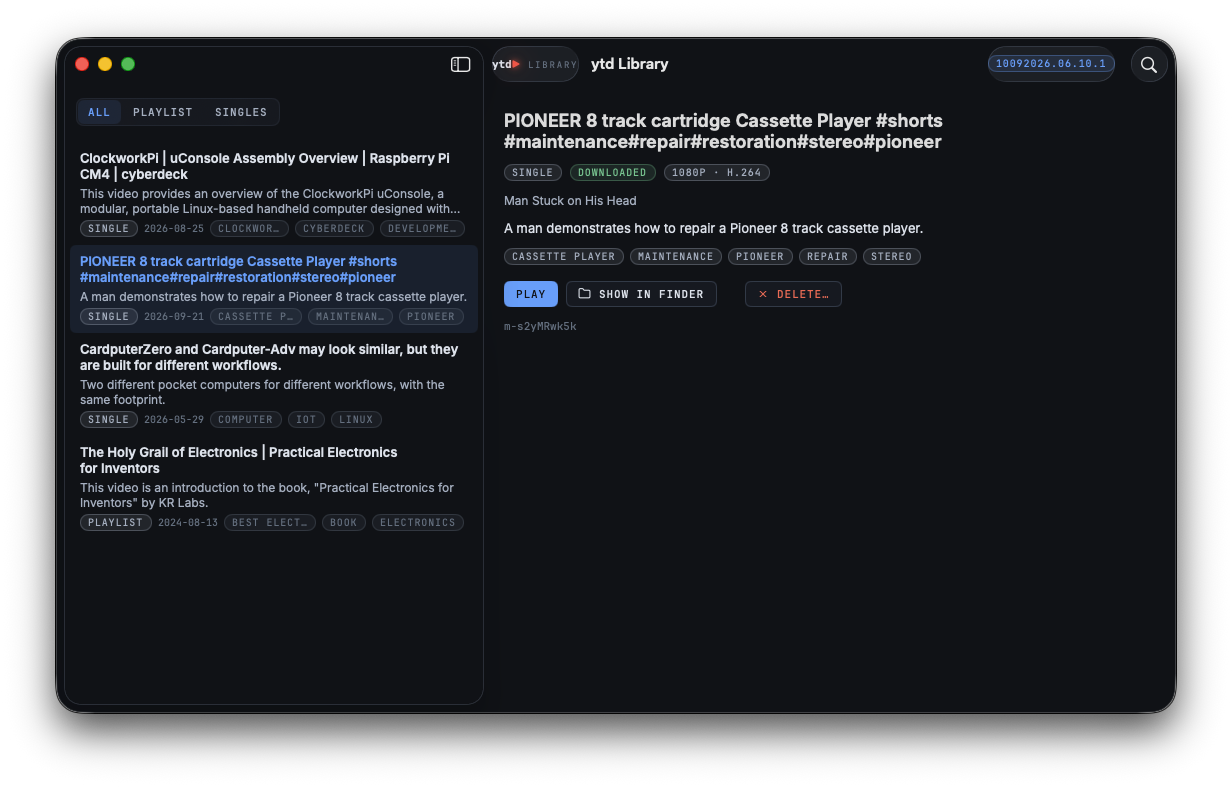
ytd Library window: a list of downloaded videos with summaries, tags and PLAYLIST or SINGLE pills, and a selected video's details with Play, Show in Finder and Delete

▸ The Library: every video with its summary and tags, searchable, filtered by playlist or singles.

What ytd does

A few things, done well. It lives in your menu bar and stays out of the way.

Playlist sync
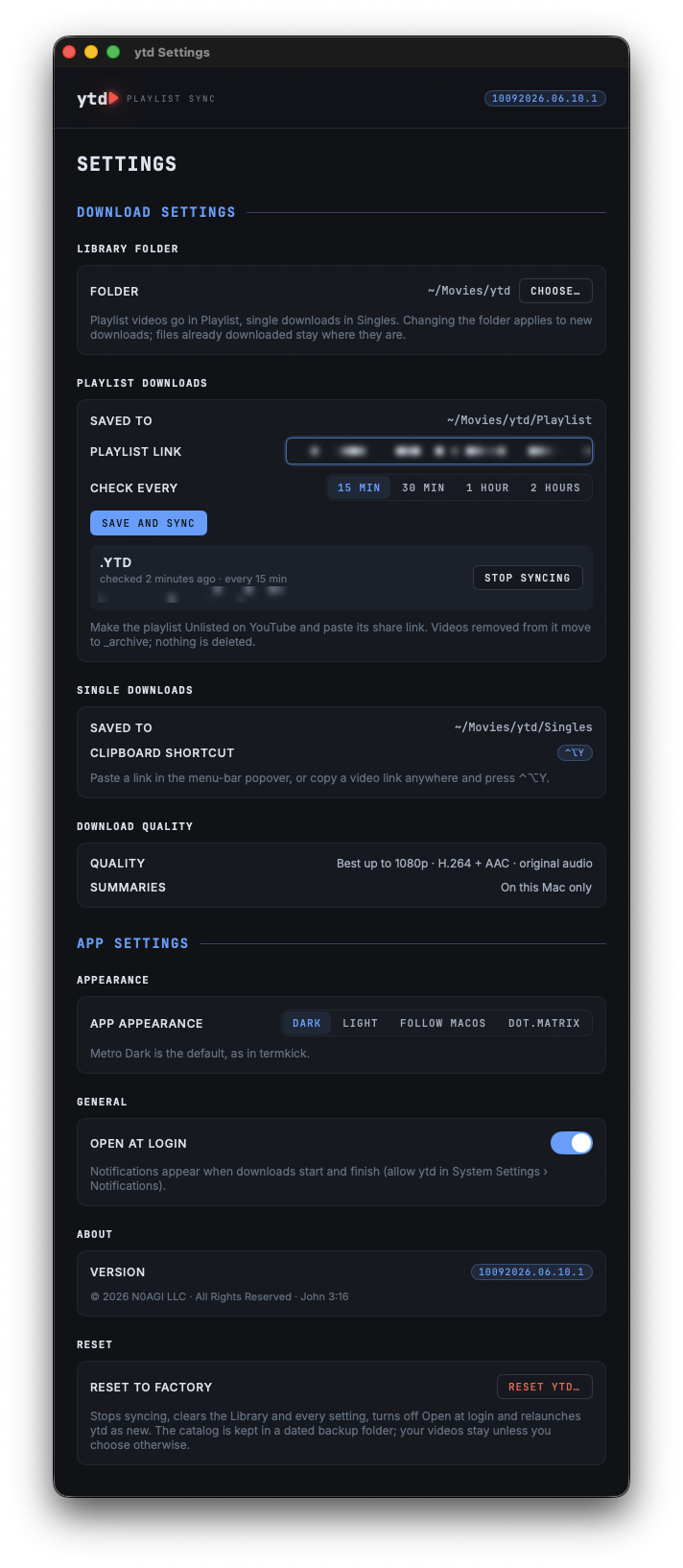
Point ytd at a public or unlisted YouTube playlist and pick how often to check: every 15 minutes up to every 2 hours, and again when your Mac wakes. New videos download into your Playlist folder. Videos you take off the playlist move to _archive, never deleted, and come back if you add them again.
One-shortcut downloads
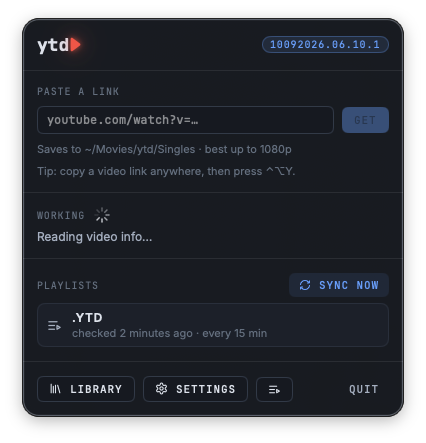
Copy a video link anywhere and press ⌃⌥Y, or paste it in the menu-bar popover. ytd downloads it into your Singles folder without opening a window. Notifications tell you when a download starts and when it is ready.
Summaries and tags, on your Mac
ytd writes a one- or two-sentence summary and a set of tags for every video from its title, description and chapters, using Apple's on-device model. Nothing is sent anywhere for this. Search the Library by title, summary or tag.
Ready for your TV
Best quality up to 1080p, saved as H.264 + AAC MP4 with the original audio track, so it plays almost anywhere. Each video gets a Jellyfin-compatible .nfo file with its title, summary and tags, so a media server shows them nicely.
A tidy library
One folder you choose, with Playlist and Singles inside. Delete a video from the Library and every copy goes to the Trash. An Activity window keeps a timestamped log of syncs and downloads, and Reset starts fresh whenever you like.
Made for the Mac
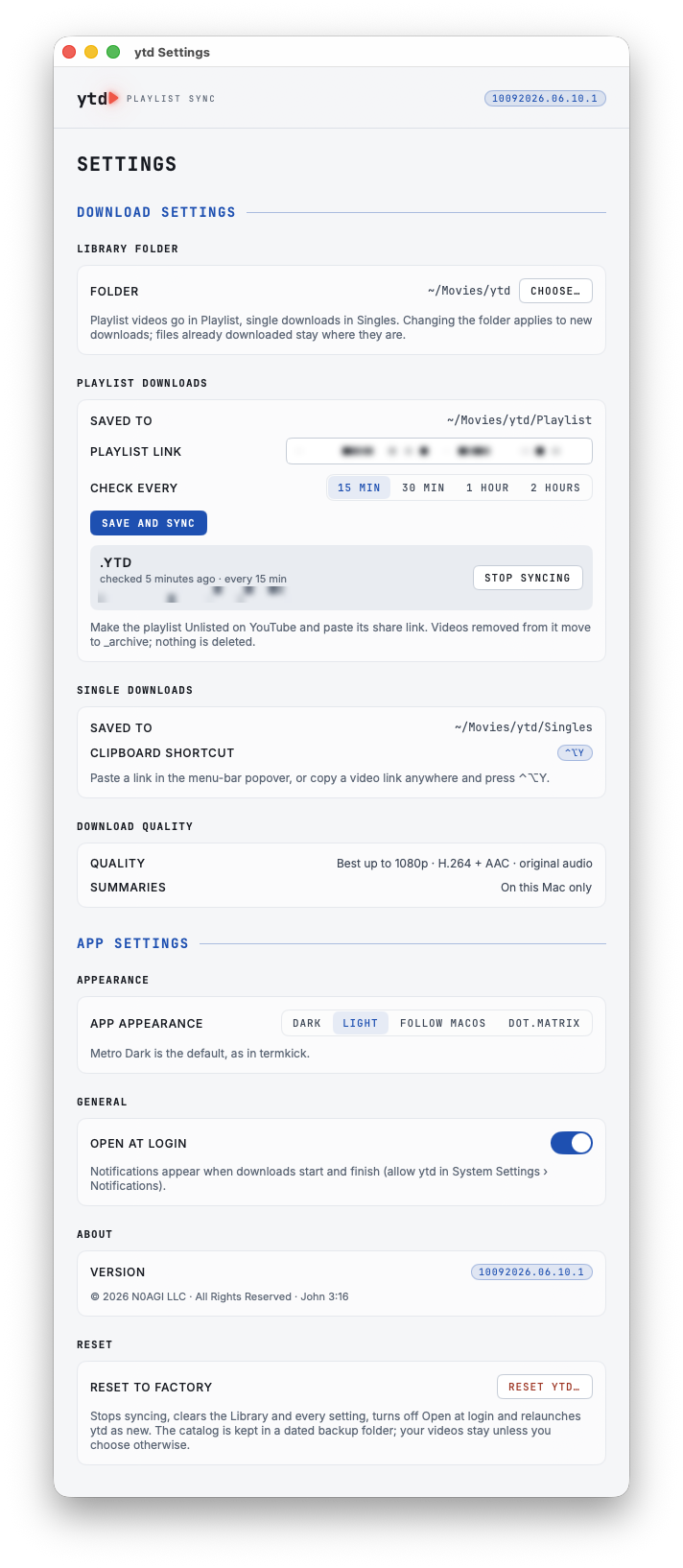
A native menu-bar app, signed and notarized by N0AGI LLC, with everything it needs built in: no Homebrew, Python or ffmpeg to install. Light and dark appearances plus the dot.Matrix theme, and an optional Open at Login.

See it in action

Click any screenshot to enlarge it.
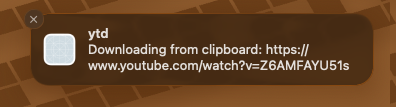
A macOS notification from ytd: Downloading from clipboard

Your Mac, your library

ytd talks to YouTube to fetch the videos you ask for, and to nothing else.

Accounts
No sign-in, anywhere
  • ytd needs no Google or YouTube account. It reads a public or unlisted playlist from its link, like a browser would.
  • There is no N0AGI account either, and no server of ours involved.
On-device
Summaries stay local
  • Summaries and tags come from Apple's on-device model; video details never leave your Mac for this.
  • The Library, its search index and the activity log live in ~/Library/Application Support/ytd/.
Privacy
Nothing is collected
  • No telemetry, no analytics, no crash reporting.
  • Deleting goes to the Trash, and sync never deletes: removed videos move to _archive.
  • Details in the privacy policy.

Install

Requires macOS 26.4 or later on a Mac with Apple silicon. Summaries and tags need Apple Intelligence; downloads work without it.

With Homebrew

$ brew install n0agi/tap/ytd

Update later with brew upgrade. The recipe lives in N0AGI/homebrew-tap and downloads the same signed, notarized app from this site.

Or download it

1
Download
Download ytd and open the zip to unpack ytd.app.
2
Move it to Applications
Drag ytd.app into your Applications folder and open it. It appears in your menu bar, not the Dock. It is signed and notarized by N0AGI LLC; macOS asks you to confirm the first time you open a downloaded app, and ytd asks to send notifications.
3
Add your playlist
Make a YouTube playlist Unlisted, copy its share link, and paste it in Settings › Playlist downloads. Click Save and sync. Or just copy any video link and press ⌃⌥Y.

Frequently asked questions

If something isn't covered here, just email. We read everything.

Is ytd really free?
Yes, fully free, with no strings attached. No credit card, no account, no trial period, no subscription and no ads.
Does it work with private playlists?
No. ytd reads playlists without signing in, so the playlist must be public or unlisted. Unlisted is the usual choice: only people with the link can see it. Videos that need a sign-in (members-only, age-restricted or private) are skipped and marked in the Library.
What happens when I remove a video from my playlist?
On the next sync ytd moves its file and .nfo into an _archive folder next to your playlist videos. Nothing is deleted. Add the video back and ytd restores it.
Why do I need Apple Intelligence?
Summaries and tags are written by Apple's on-device model, which needs a Mac with Apple Intelligence turned on. Without it, ytd still downloads everything and uses the video's own YouTube tags.
Why isn't it on the Mac App Store?
ytd bundles its own download engine and writes to any folder you pick, which Apple's App Store sandbox does not allow. It is distributed as a direct download instead, signed and notarized by N0AGI LLC.
Is downloading YouTube videos allowed?
YouTube's Terms of Service limit downloading. Please use ytd only for videos you have the right to keep, such as your own uploads or content licensed for download, and respect the creators' rights.
How do I update?
If you installed with Homebrew, run brew upgrade. Otherwise, download the latest build from this page and replace the app in Applications. Your library and settings stay in place.

Open-source inside

ytd is built on these projects, bundled unmodified and run entirely on your Mac.

Need help? Found a bug? Have a feature request?

ytd is built by an indie shop. Every email is read by a human (Nagi). The Activity window's Copy button gives us the details we need.