Frequently asked questions
If something isn't covered here, just email — we read everything.
What does "73" mean?
"73" is ham radio shorthand for "best regards" — the standard sign-off between operators, going back to the early days of Morse code on the telegraph. It's how hams say goodbye, on the air or off. The app is named after the gesture.
Where does the data come from?
The FCC
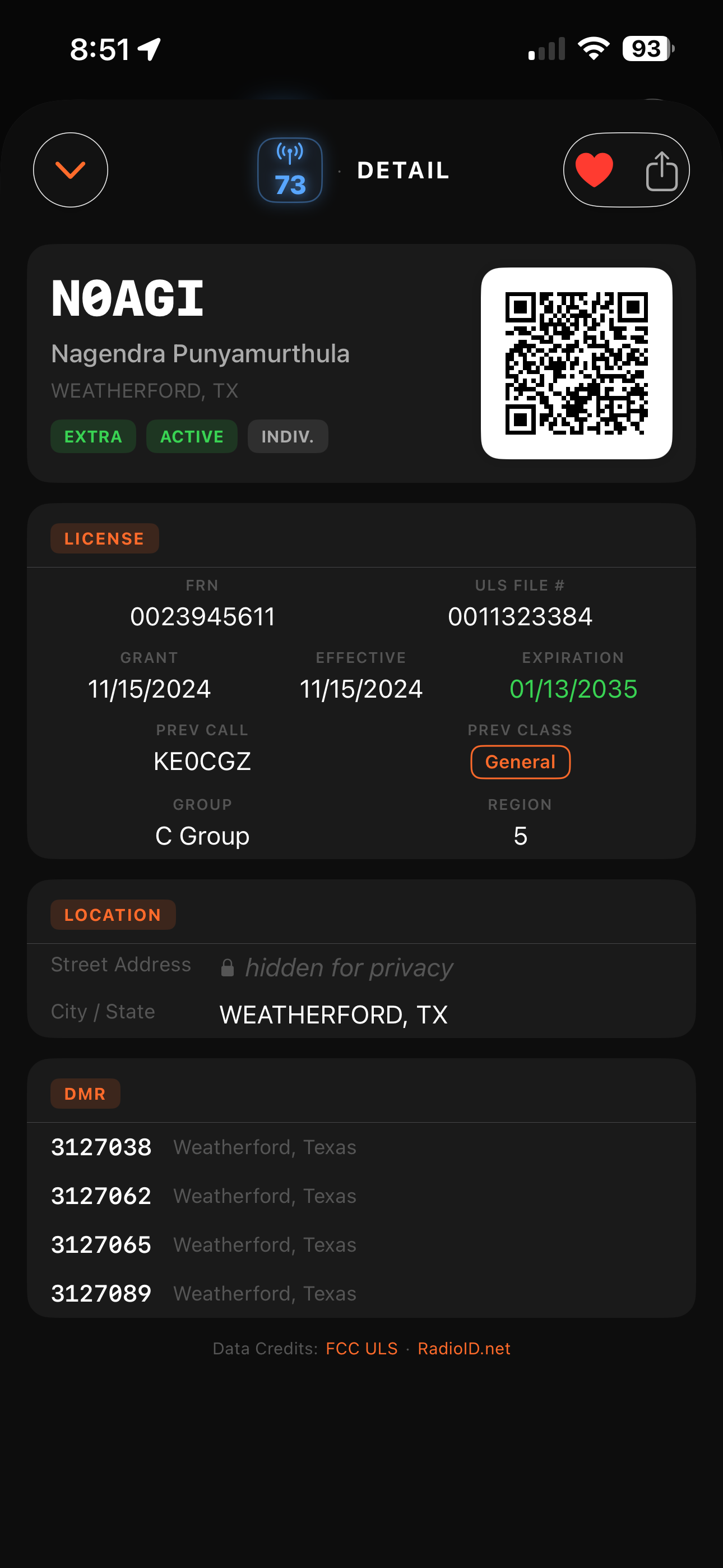
Universal Licensing System (ULS) is the source of truth for license records — class, status, dates, FRN, file number, all of it. DMR IDs come from
RadioID.net. Both are public databases. 73 talks to them directly on each lookup.
Why is the street address hidden?
The FCC ULS does publish licensee street addresses, but exposing every operator's home address in a casual lookup app felt wrong. 73 shows city and state only. If you need the full address (for QSL card mailing or a contest log), the FCC's own ULS website still has it.
Is there a free trial?
Yes — 20 days of the full app, no restrictions, no credit card to start. After the trial, an in-app purchase unlocks the app permanently on your Apple ID.
How much does it cost after the trial?
$2.99, one-time. No subscription, ever. The unlock follows your Apple ID — install on a new iPhone, sign in, and 73 unlocks itself.
Do you collect any data on me?
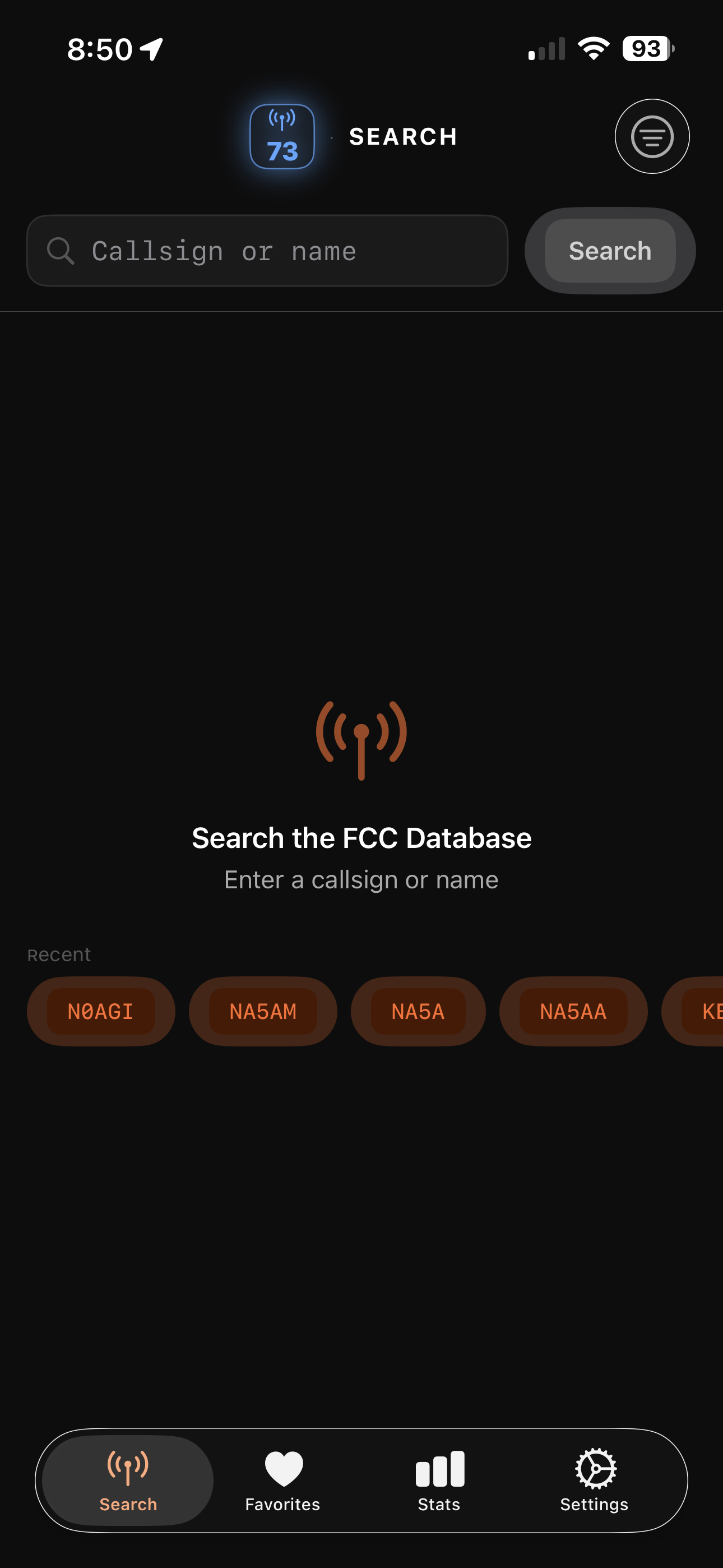
No. No account, no ads, no analytics, no telemetry. Favorites and search history stay on the device. Lookups are served by call.n0agi.com — our own self-hosted API over the FCC ULS and RadioID.net datasets.
Does it work offline?
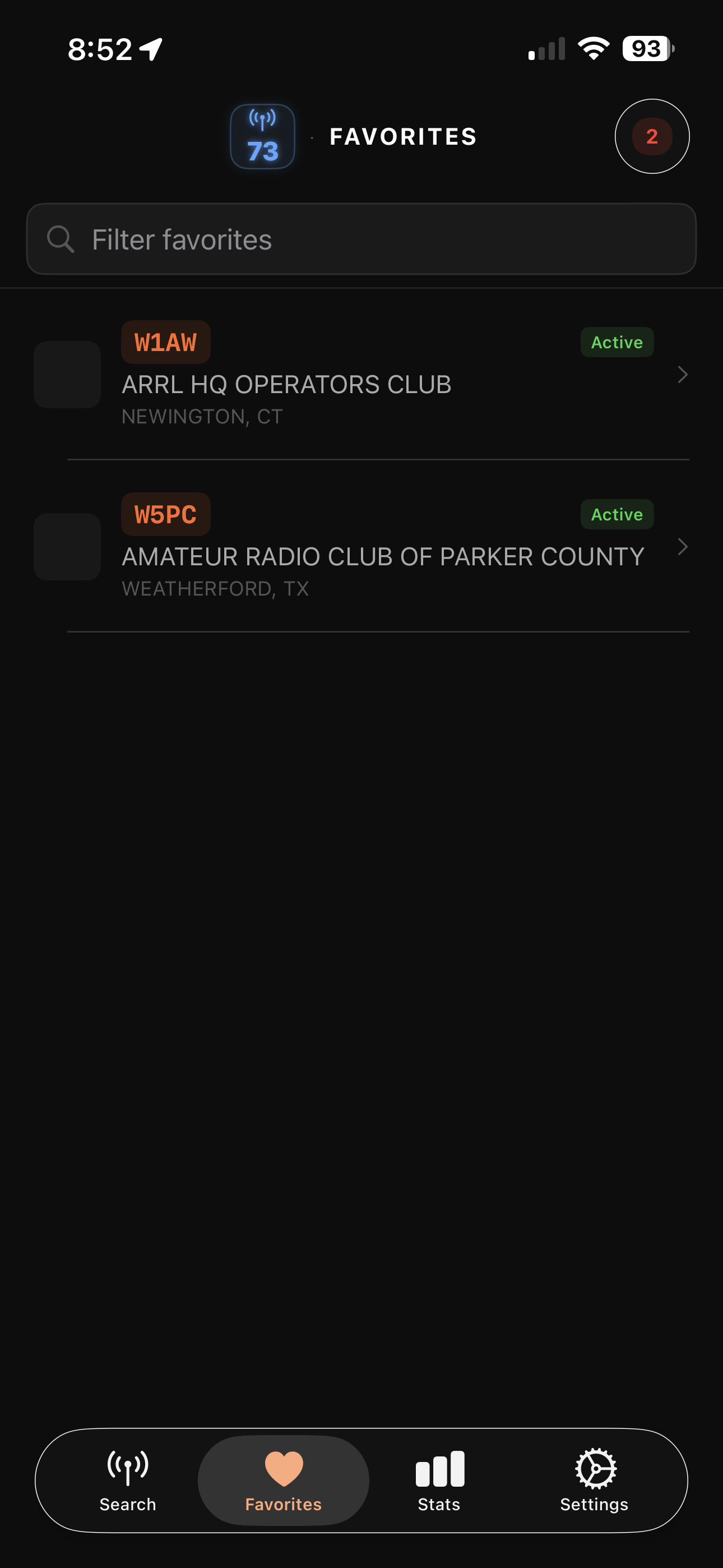
Favorites and search history are fully offline. New lookups need an internet connection — they query the call.n0agi.com API, which keeps FCC ULS and RadioID.net data current. If you're in the field with no signal, saved favorites and recent searches are still readable.
What iPhones are supported?
iPhone running iOS 17 or later. Tested on iPhone X through the 16 series. Older devices on iOS 17 work too — performance is bound mostly by your network speed to the FCC ULS, not the phone.
What Android devices are supported?
Android 8.0 (Oreo) or later — minSdk 26, covering ~95% of active Android devices in the U.S. Built against Android 16 (target SDK 36) on a modern Compose + Material 3 stack, so Pixel, Samsung Galaxy, OnePlus, Motorola, and other current OEMs all render the same. The Android build was tested end-to-end on Pixel 10 Pro including the full Play Billing in-app purchase flow.
Is there an iPad version?
73 runs on iPad in iPhone-compatibility mode today. A native iPad layout that takes advantage of the larger screen is on the roadmap.
Apple Watch?
Not yet. It's on the wishlist — a quick-glance callsign lookup on the wrist would be useful at field day. If you'd find it valuable, drop a note in the support email; it helps us prioritize.
QRZ integration?
QRZ has its own API and licensing terms; we're looking at it for a future release. For now, every detail card in 73 has the data fields a QRZ lookup would give you, sourced directly from the FCC ULS.
ADIF export?
Planned. ADIF (Amateur Data Interchange Format) export of your favorites and lookup history would let you flow data into your logging app of choice. Tracked as a roadmap item.
Is there an Android version?
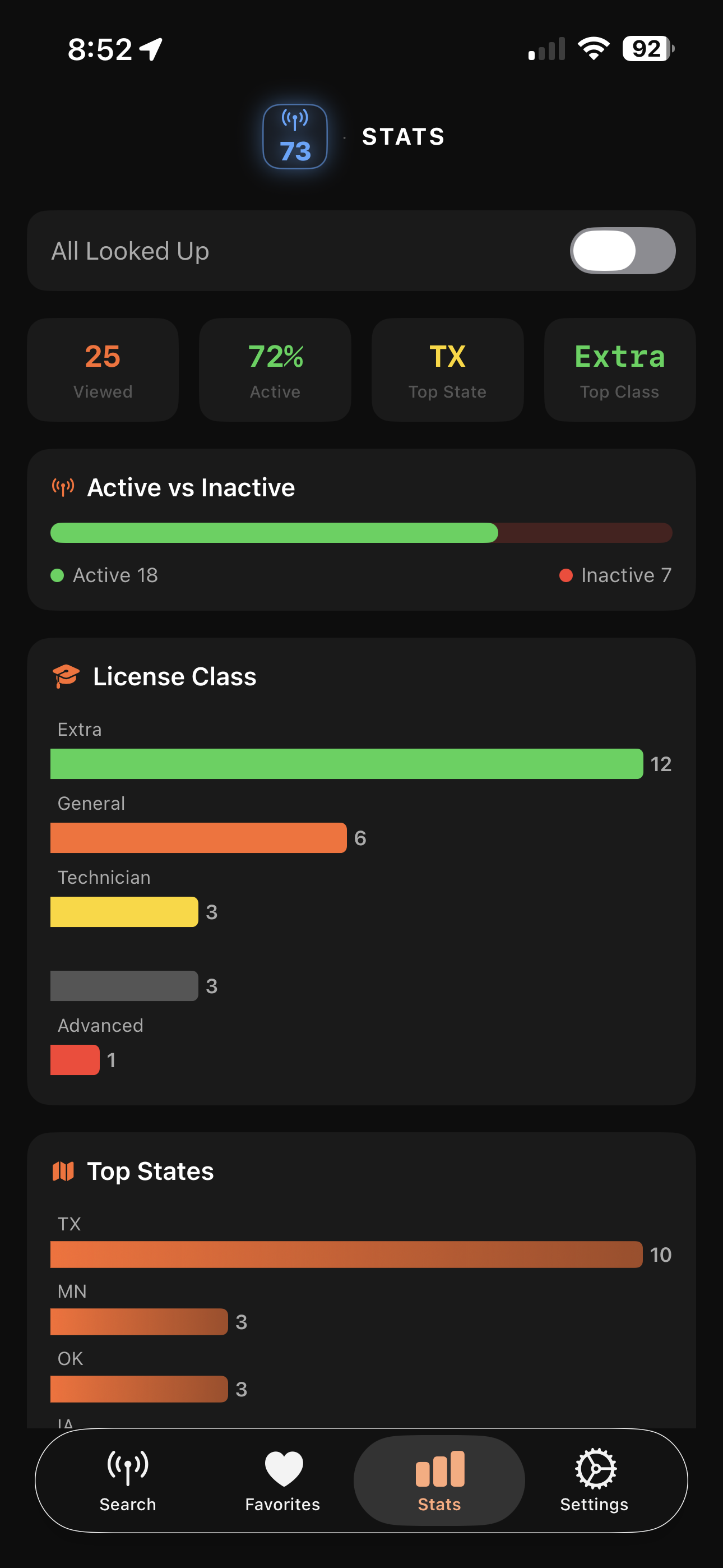
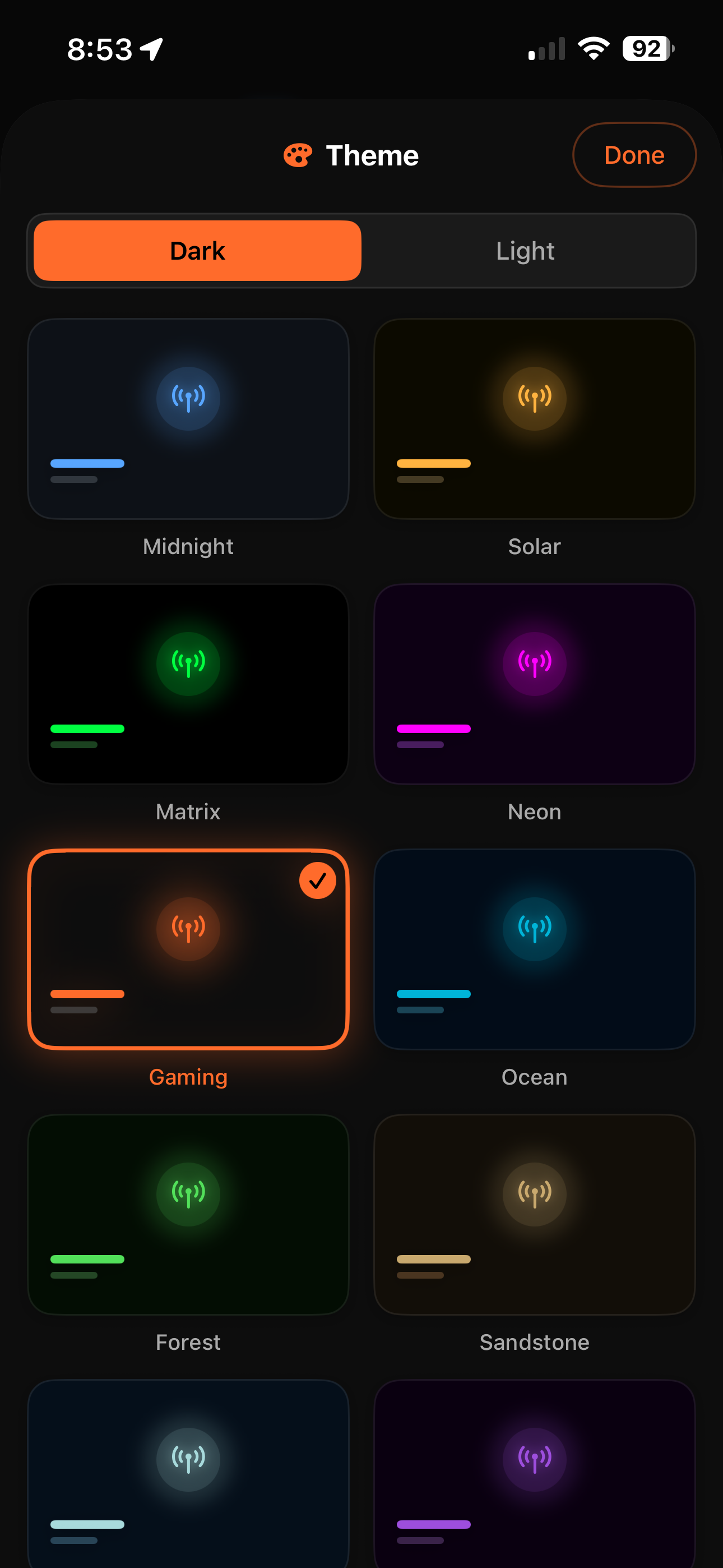
Yes — live on Google Play. 73 for Android (v0.1.5) is live on U.S. Google Play with feature parity to the iOS build: same FCC ULS data layer, same search + filters + favorites + history + stats + 10 themes, the same one-time $2.99 pricing, the same 20-day trial. Android 8.0 or later. Built on Kotlin + Jetpack Compose + Material 3. Install directly from
the Play Store listing.
Is there a webapp?
Yes —
call.n0agi.com is the sister web experience. Same FCC ULS data layer, same lookup speed, runs in any browser. 73 is the native iPhone surface; the webapp is the browser surface.
Is 73 open source?
Not at this time. 73 is closed-source commercial software. The FCC ULS itself is a public dataset; you can build your own callsign-lookup tool against it any time.